Hoopwise: Embroidery Viewer
See your embroidery files before you stitch. Open PES, DST, JEF, EXP, VP3 and more on iPhone and iPad, convert them for your machine and print a color worksheet.
Coming soon to the App Store
Privacy & Support
Your designs stay on your device. No account, no uploads. The free version shows Google ads; see what they collect.
Know the file before you hoop
You bought a design, unzipped it and found ten files in formats you have never heard of. Which one does your machine read? Will it fit your hoop? What thread do you need?
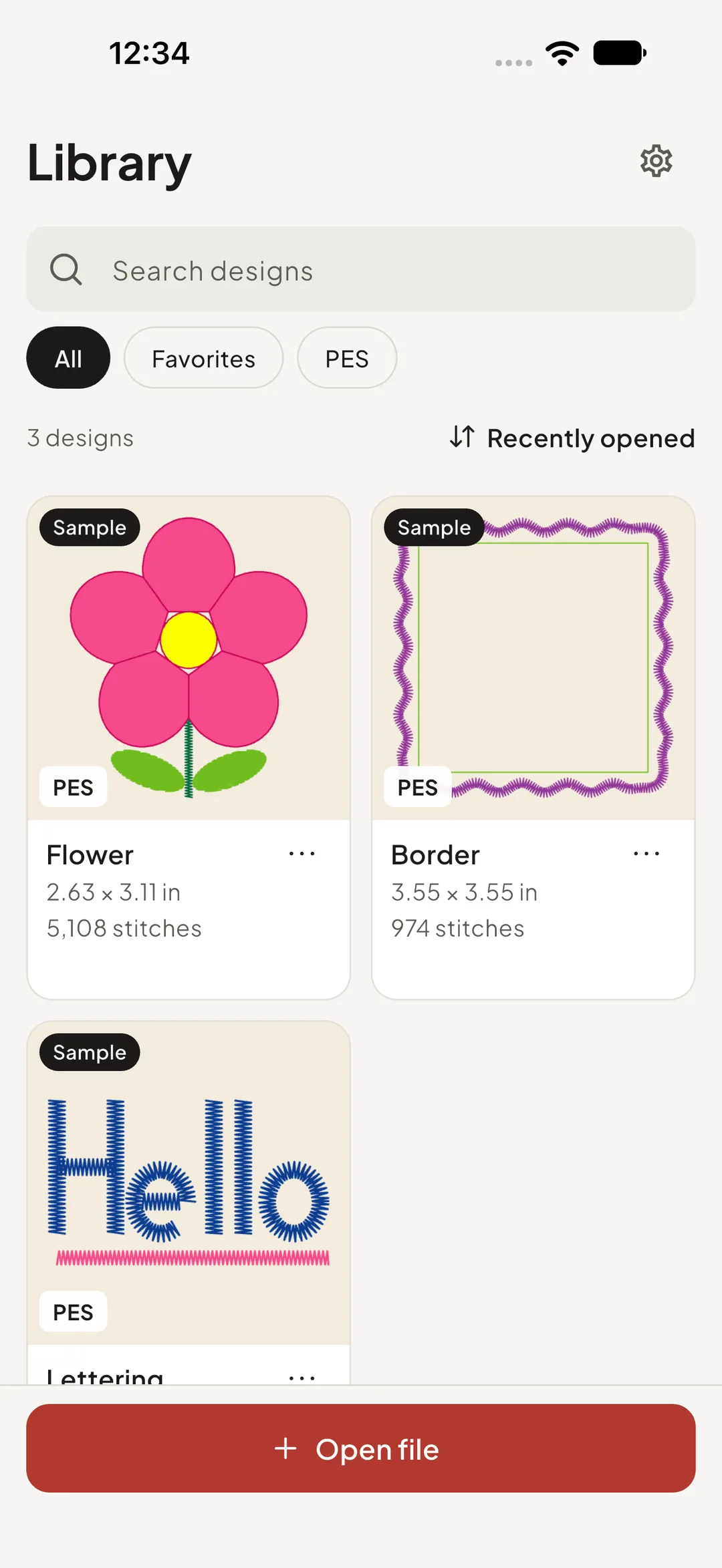
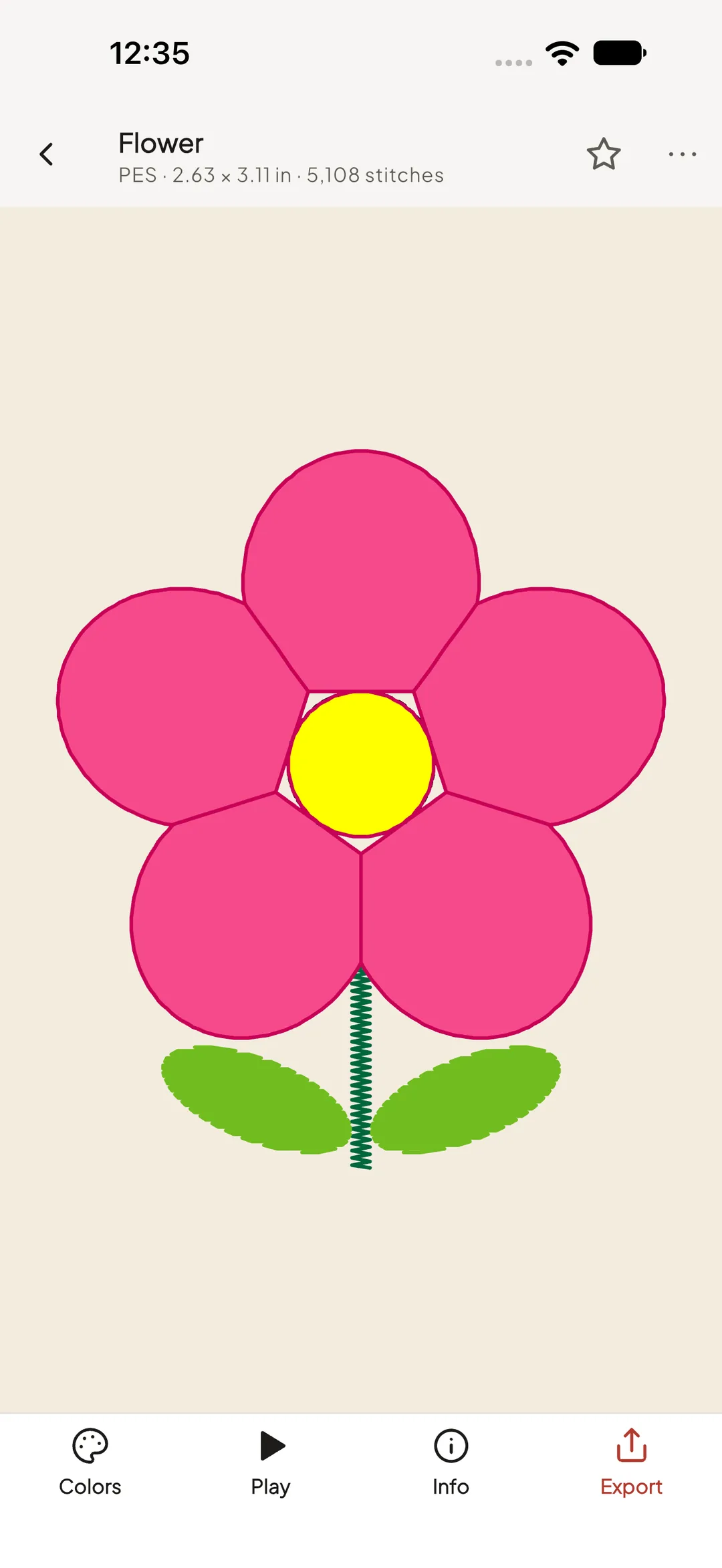
Hoopwise opens existing machine embroidery files and shows the real design: true stitch count, size in mm and inches, thread colors in stitching order, and a simulator that stitches it on screen. When your machine needs another format, Hoopwise converts the file and tells you before saving what that format cannot keep.
Hoopwise does not turn pictures into embroidery. It works with embroidery files that already exist.
Key Features
Open 12 formats
PES, DST, JEF, EXP, VP3, HUS, PCS, SEW, XXX, PEC, U01 and 10o, from Files, other apps or a ZIP.
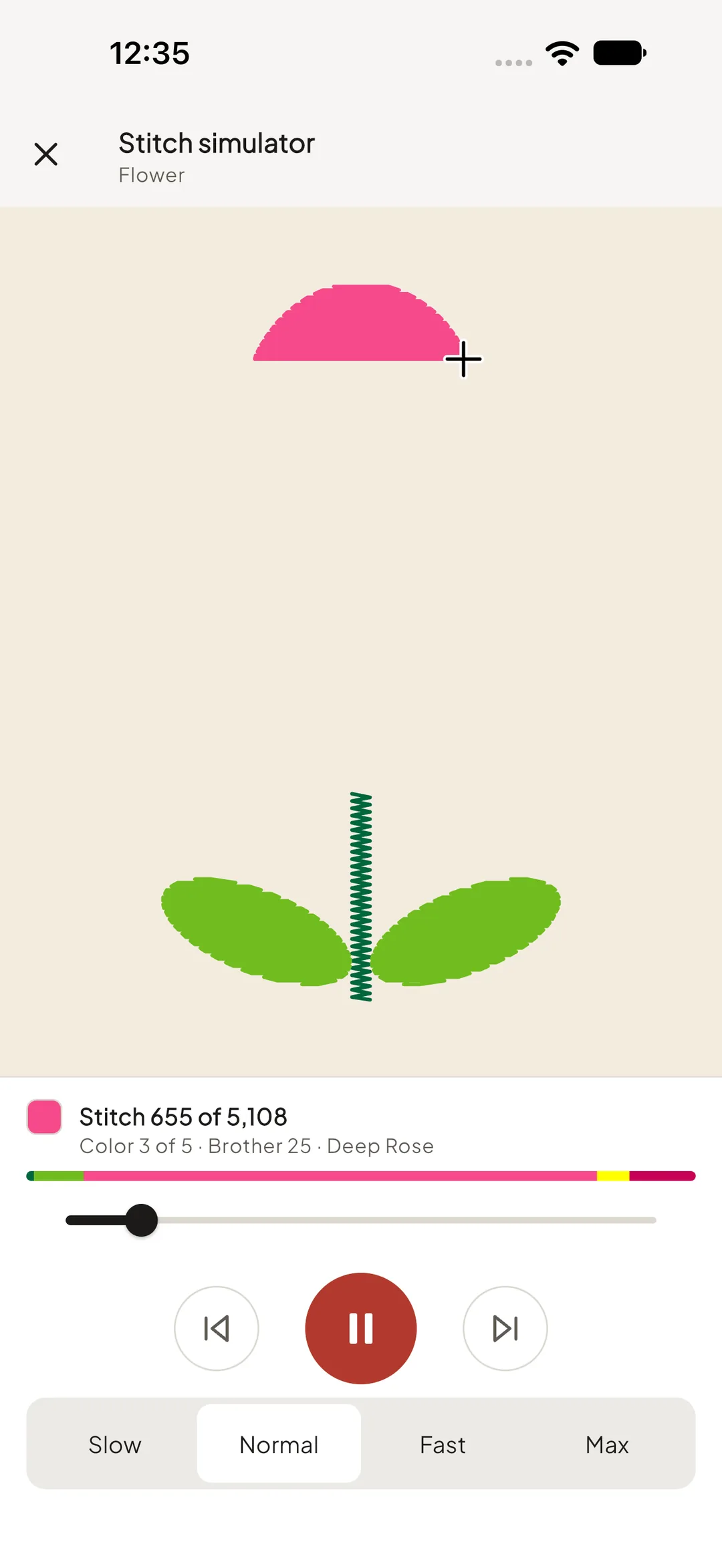
Stitch simulator
Watch the design stitch in order, color by color, at four speeds.
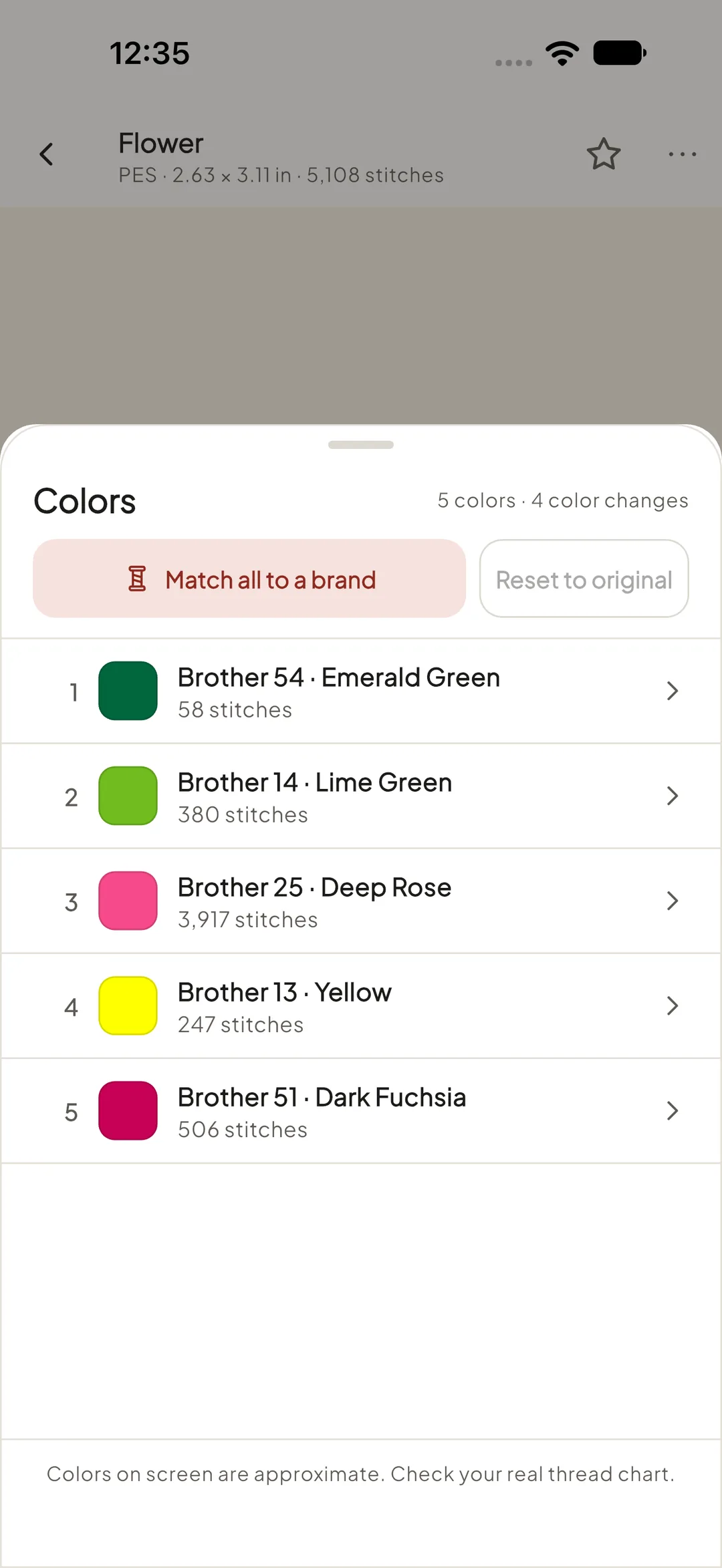
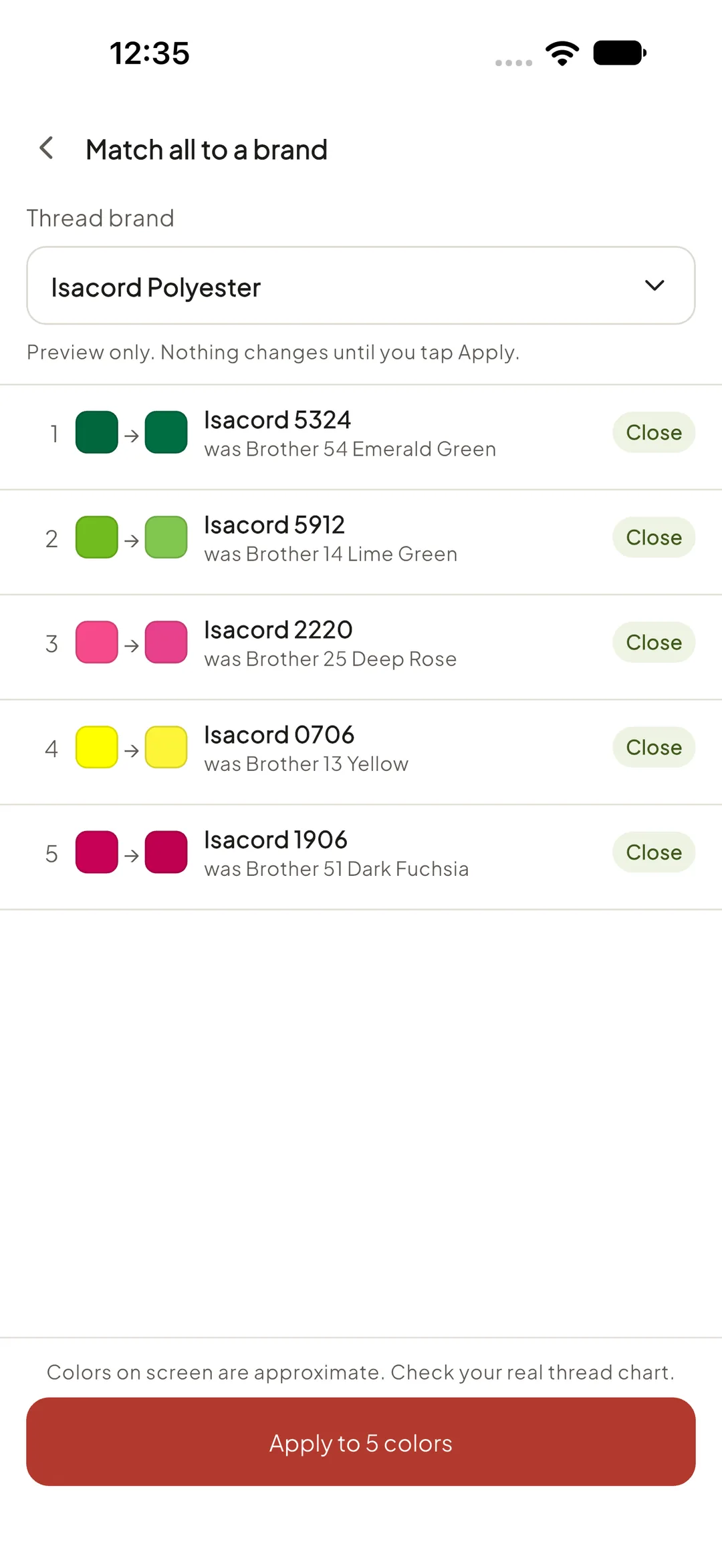
Match thread brands
Swap any color, or match the whole design to Isacord, Sulky, Robison-Anton, Brother, Janome and more.
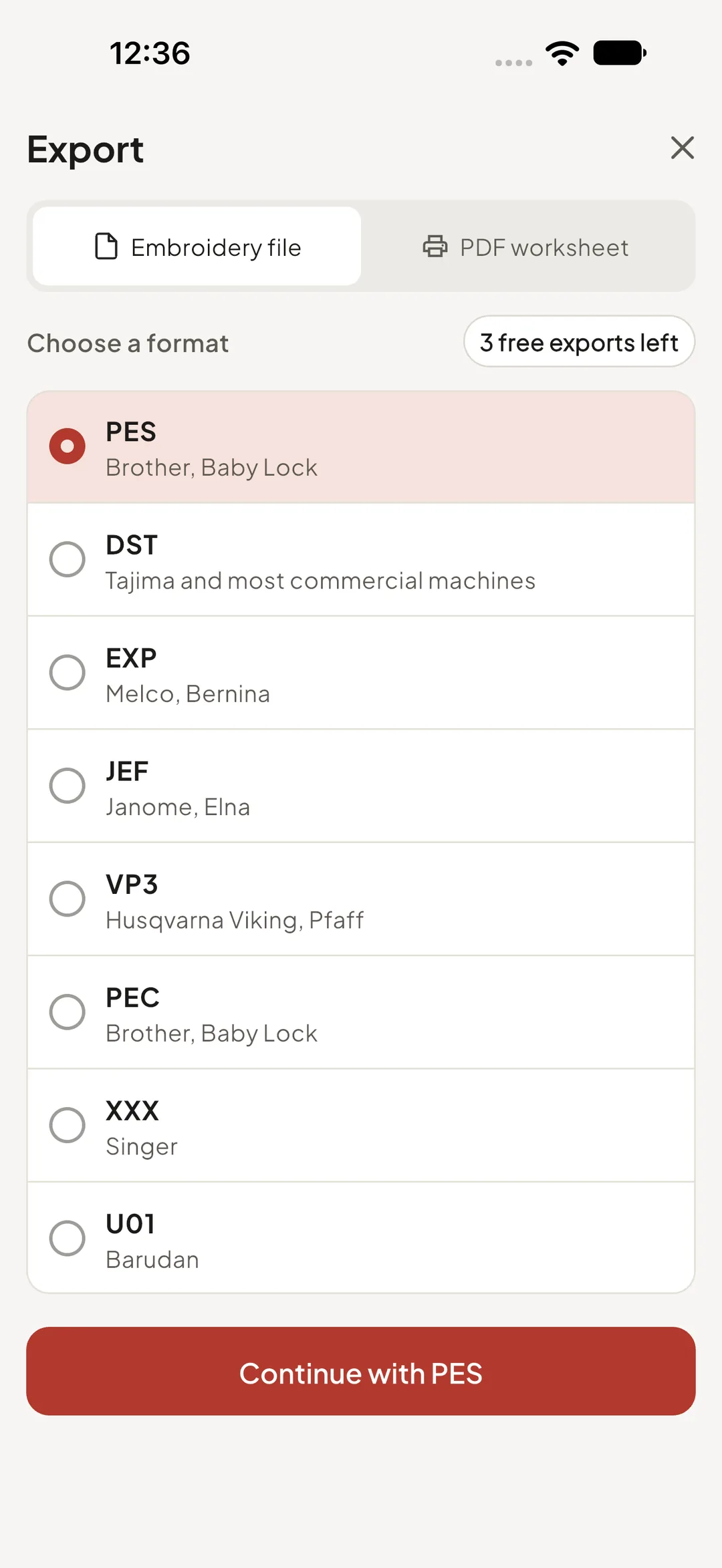
Convert for your machine
Save as PES, DST, EXP, JEF, VP3, PEC, XXX or U01. Every needle point is kept, and you see what changes before saving.
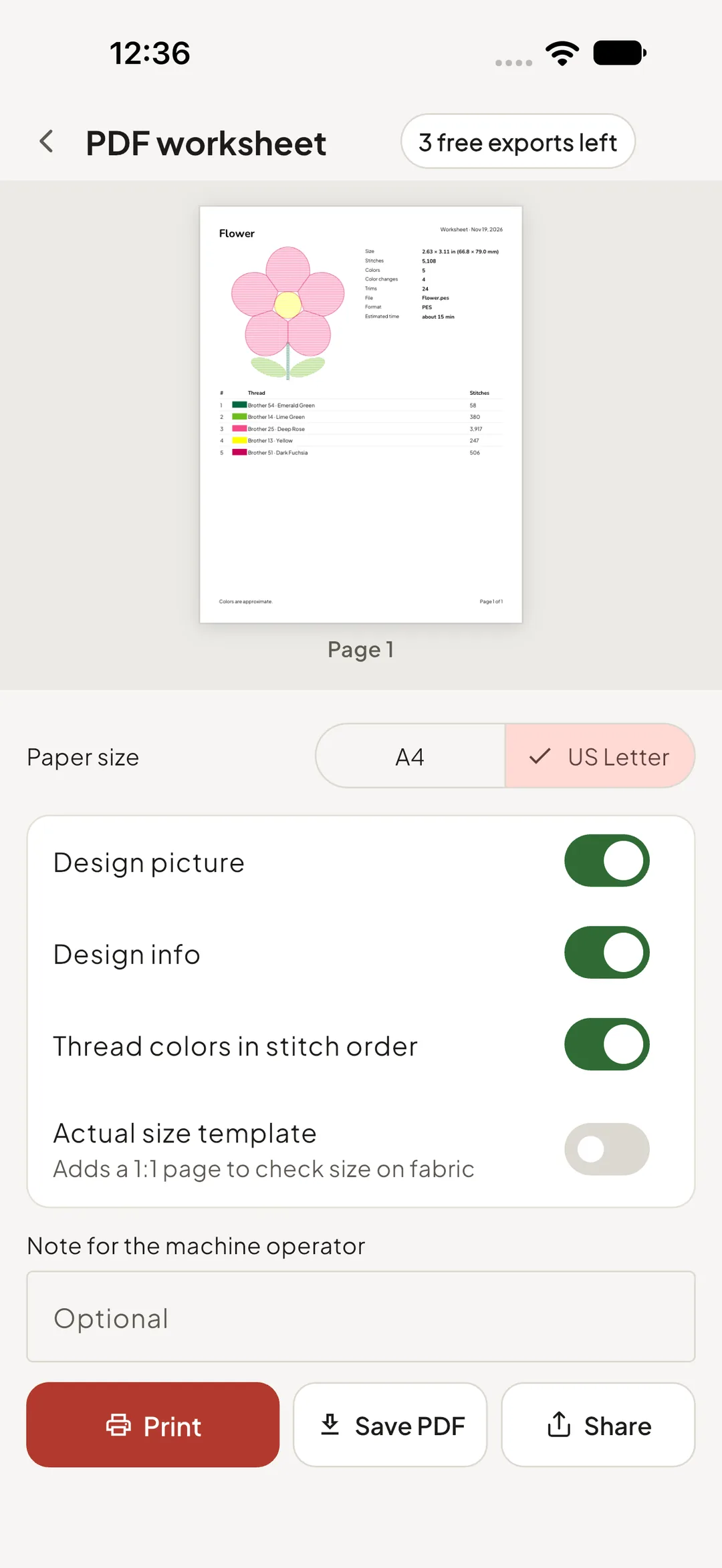
PDF worksheet
Print the color order with thread codes, design info and an optional 1:1 template to check size on fabric.
Will it fit my hoop?
Pick your machine's embroidery area once; every design shows if it fits, fits when rotated, or how much it is too big.
In Action Swipe to see more
FAQ
Can it turn a picture into an embroidery file?
Can it open EMB, ART or JAN files?
Does converting change my design?
Is it free? Is there a subscription?
Are my files uploaded anywhere?
How do I get the file onto my machine?
Which format does my machine use?
| Format | Common machines | Hoopwise |
|---|---|---|
| PES | Brother, Baby Lock | Open and save |
| DST | Tajima and most commercial machines | Open and save |
| EXP | Melco, Bernina | Open and save |
| JEF | Janome, Elna | Open and save |
| VP3 | Husqvarna Viking, Pfaff | Open and save |
| PEC | Brother, Baby Lock | Open and save |
| XXX | Singer | Open and save |
| U01 | Barudan | Open and save |
| HUS, PCS, SEW | Older Husqvarna Viking (HUS), Pfaff (PCS), Janome and Elna (SEW) | Open |
| 10o | Toyota | Open |
Your machine's manual has the final word on which files it reads. DST, EXP, 10o and U01 files do not store thread colors, so Hoopwise shows placeholder colors you can change. Colors on screen are a guide; check your real thread chart.