Privacy & Security
© 2026 AppMaven Studio.
Overview
Smart Scanner is designed to turn your mobile device into a powerful PDF scanner, OCR text recognition tool, and digital signature app.
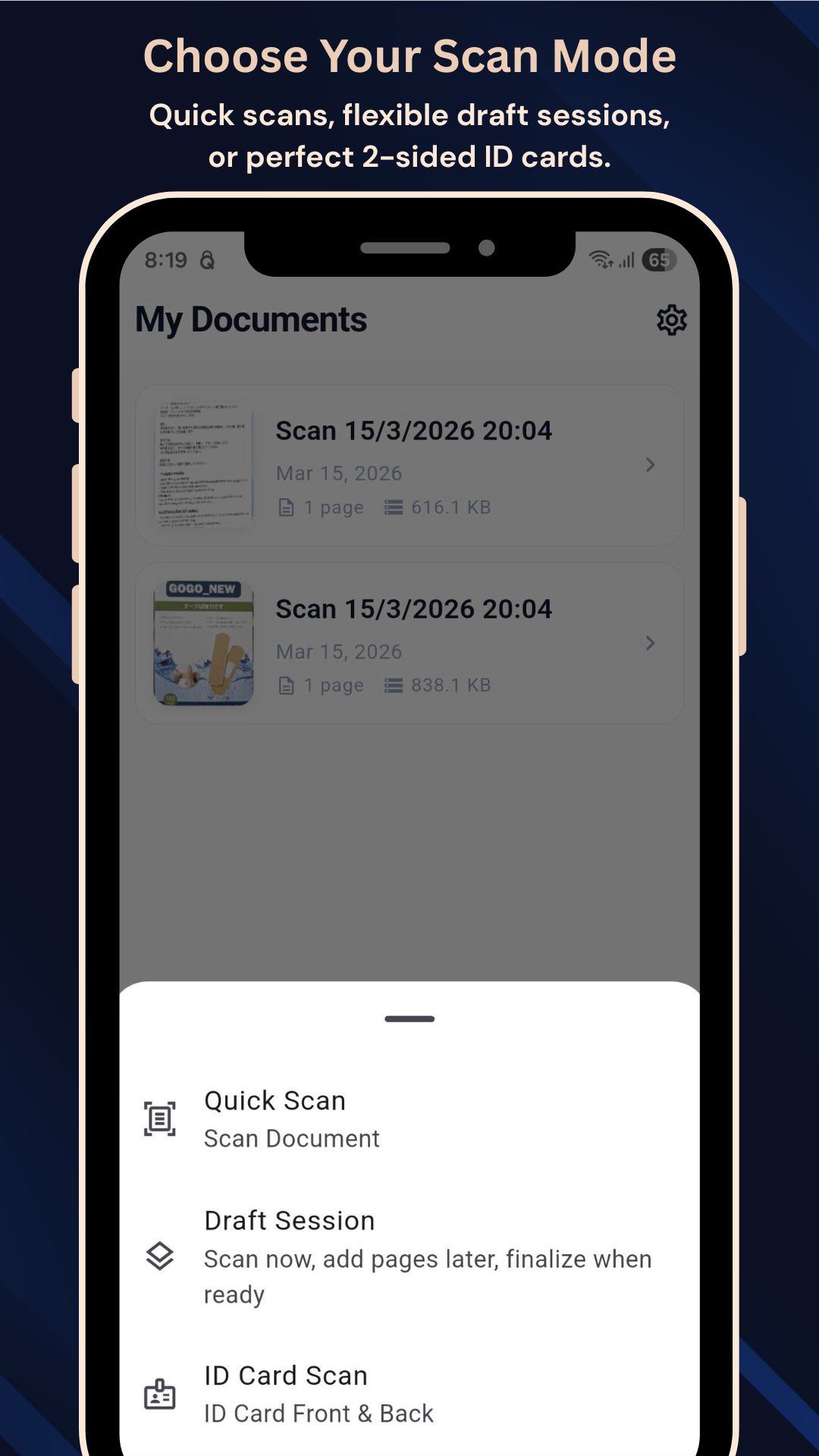
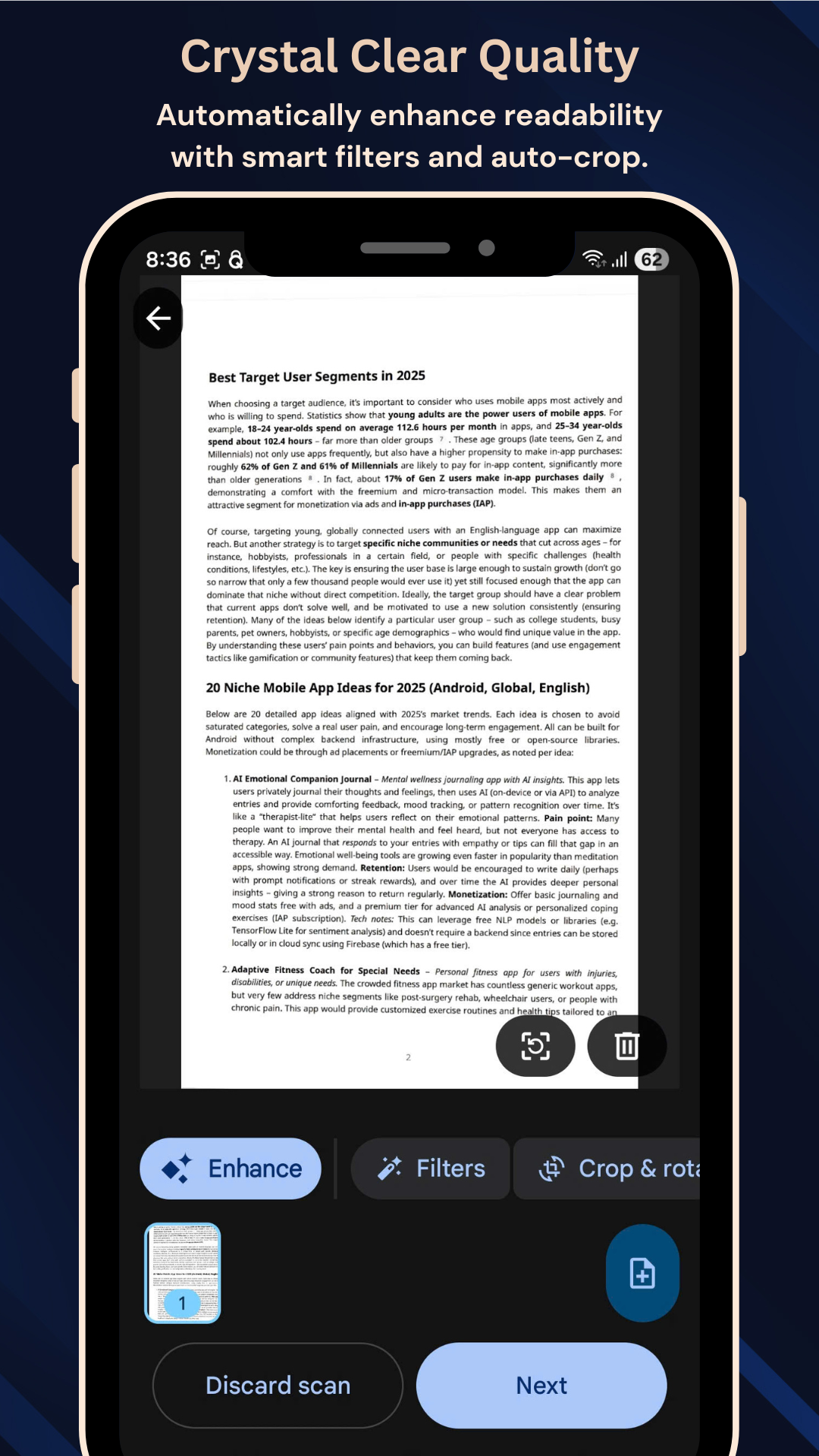
Whether you're scanning contracts, receipts, or ID cards, Smart Scanner provides high-quality results with intelligent edge detection and perspective correction. All processing happens locally on your device for maximum privacy.
Key Features
Smart Scanning
Auto-edge detection and perspective correction.
OCR Engine
Extract text from images accurately.
Sign PDFs
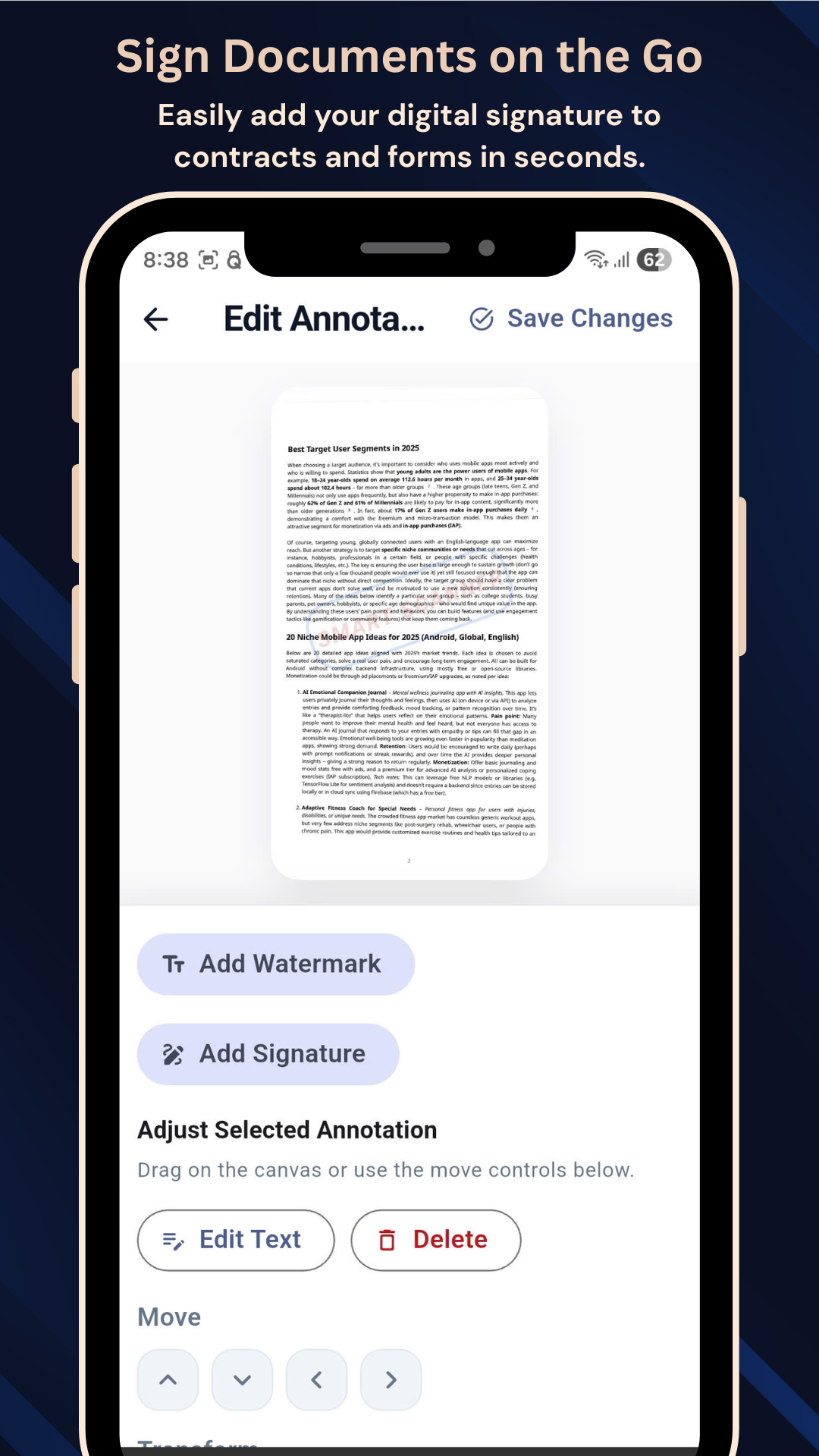
Digital signature and annotations.
Privacy First
Document processing happens locally on device.
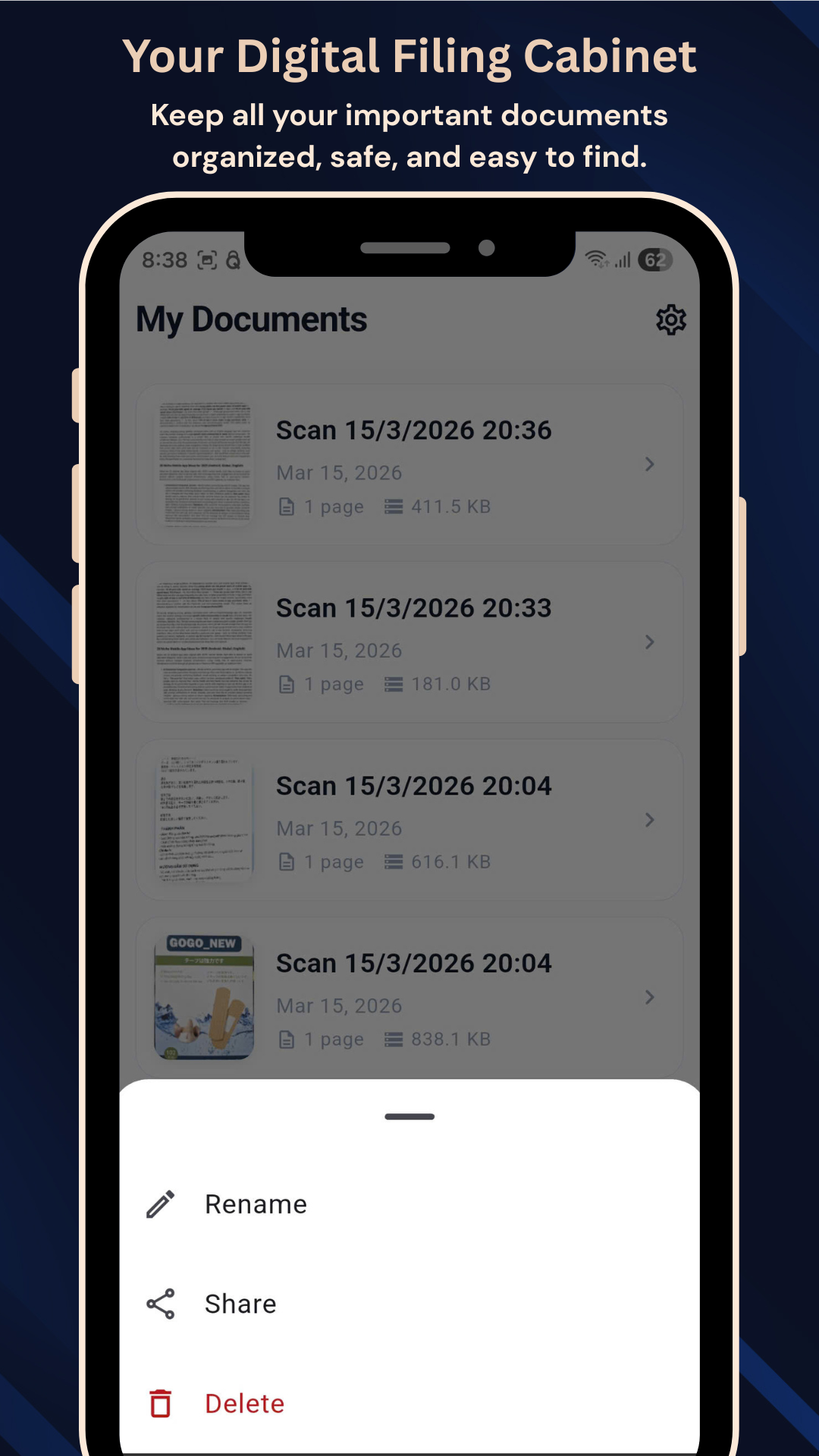
App Interface Scroll to see more
FAQ
Is my data uploaded to a server?
Can I sign documents in the app?
Does the OCR support many languages?
What formats can I export?
Smart Scanner: The Best Document Scanner App for PDF, OCR, and Digital Signature
In today’s fast-moving digital world, paperwork should never slow you down. Whether you are scanning contracts, receipts, invoices, notes, or ID cards, having a reliable document scanner app on your phone can save time, improve productivity, and keep your files organized.
Smart Scanner is designed to turn your mobile device into a powerful PDF scanner, OCR text recognition tool, and digital signature app. It helps students, professionals, freelancers, and everyday users scan documents quickly, convert them into high-quality PDFs, extract text, and sign files securely — all from a single app.
Why Smart Scanner Stands Out
Smart Scanner focuses on what matters most: speed, clarity, convenience, and privacy.
- Fast Document Scanning: Automatic edge detection and perspective correction for perfect scans every time.
- Powerful OCR Text Recognition: Extract text from images to copy, reuse, or search.
- Digital Signatures: Approve contracts and sign forms directly on your device.
- ID Card & Receipt Mode: Specially optimized modes for small and important documents.
- Privacy First: All processing happens on your device. Your sensitive paperwork stays with you.
Professional Workflow in Your Pocket
Instead of using a traditional, bulky office scanner, Smart Scanner lets you digitize documents in seconds. You can easily export your scans via email, WhatsApp, or cloud storage. If you're looking for a CamScanner alternative or a fast scan to PDF solution, Smart Scanner is built for efficiency and high performance.
Download Smart Scanner today and turn your phone into a professional document scanner. Perfect for students, office workers, and anyone looking to reduce paper clutter.