One row at a time
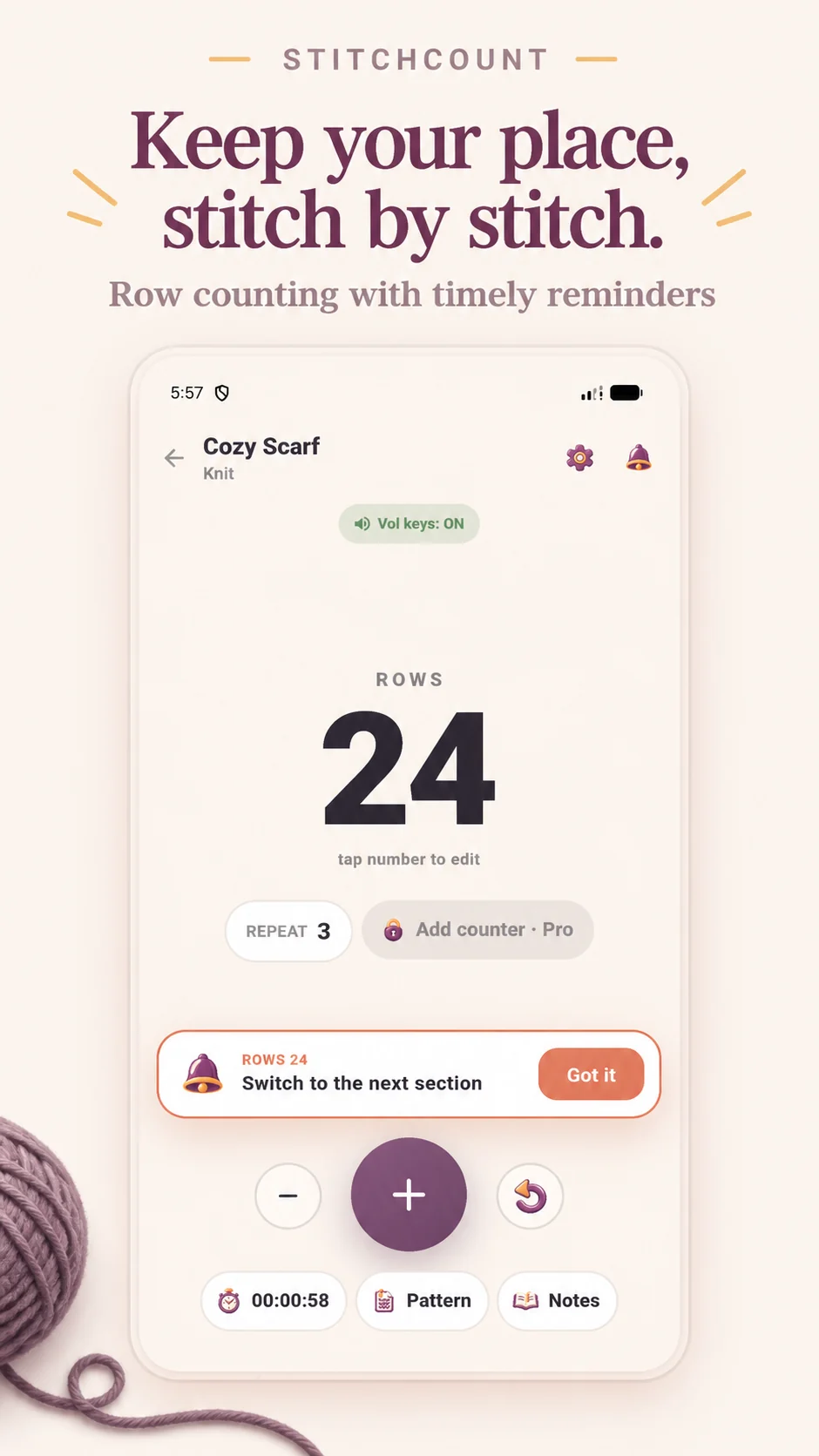
Tap the large counter, or use the volume keys on Android. Undo a mistake, set a row reminder and follow linked pattern repeats.
 StitchCount
Your row counter for knitting & crochet. Keep your place, plan your yarn and bring every project detail together in one calm space.


Keep your place
A scarf on the sofa. A blanket for someone special. Another work in progress. StitchCount keeps the small details close, so getting back to your craft feels simple.
Tap the large counter, or use the volume keys on Android. Undo a mistake, set a row reminder and follow linked pattern repeats.
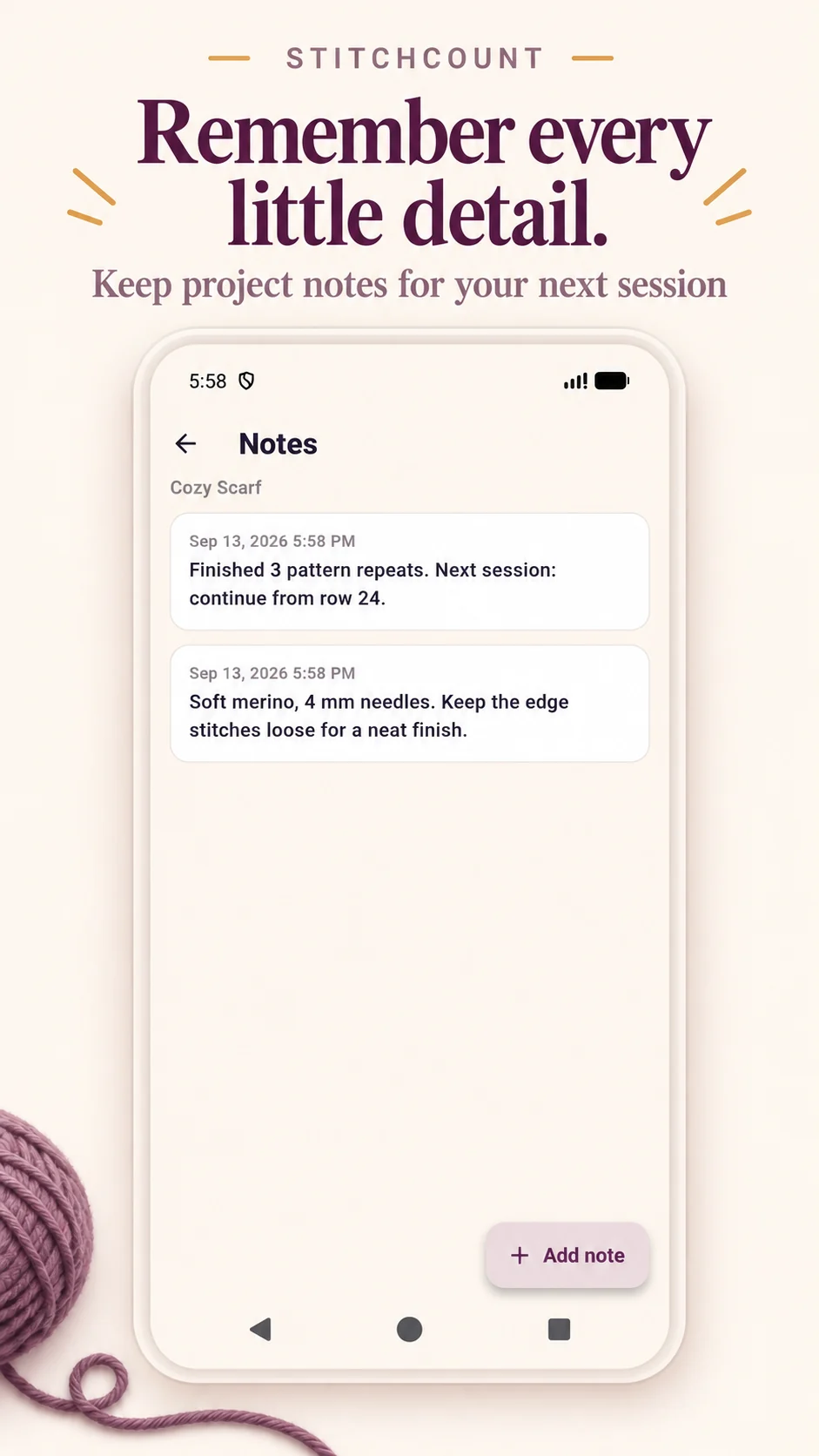
Keep notes, progress photos and your own pattern PDFs together. Track your session time and mark finished pieces complete.
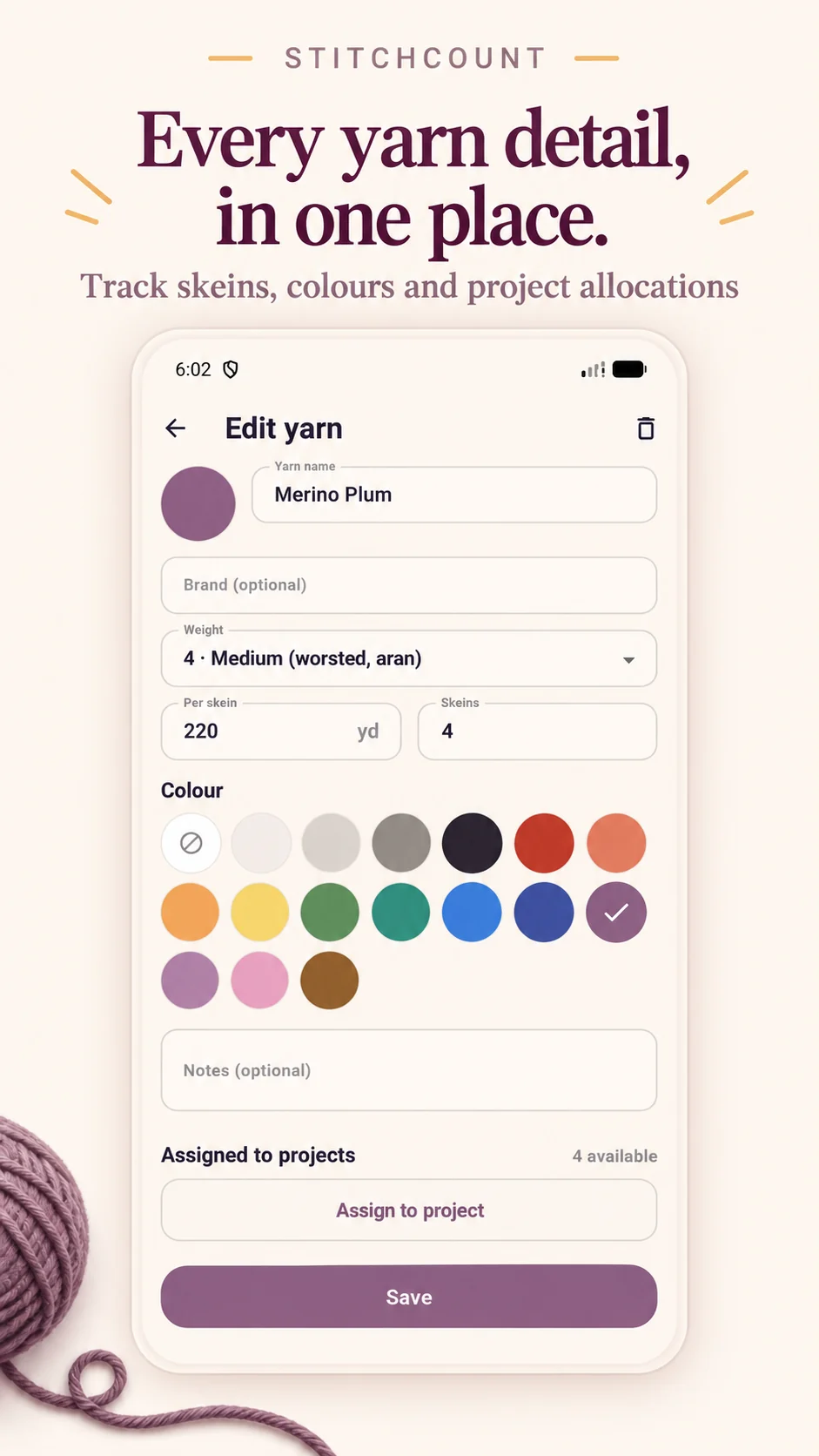
Record colors, dye lots and quantities. Keep the yarn details you will want to remember when the next idea arrives.
Before the first stitch
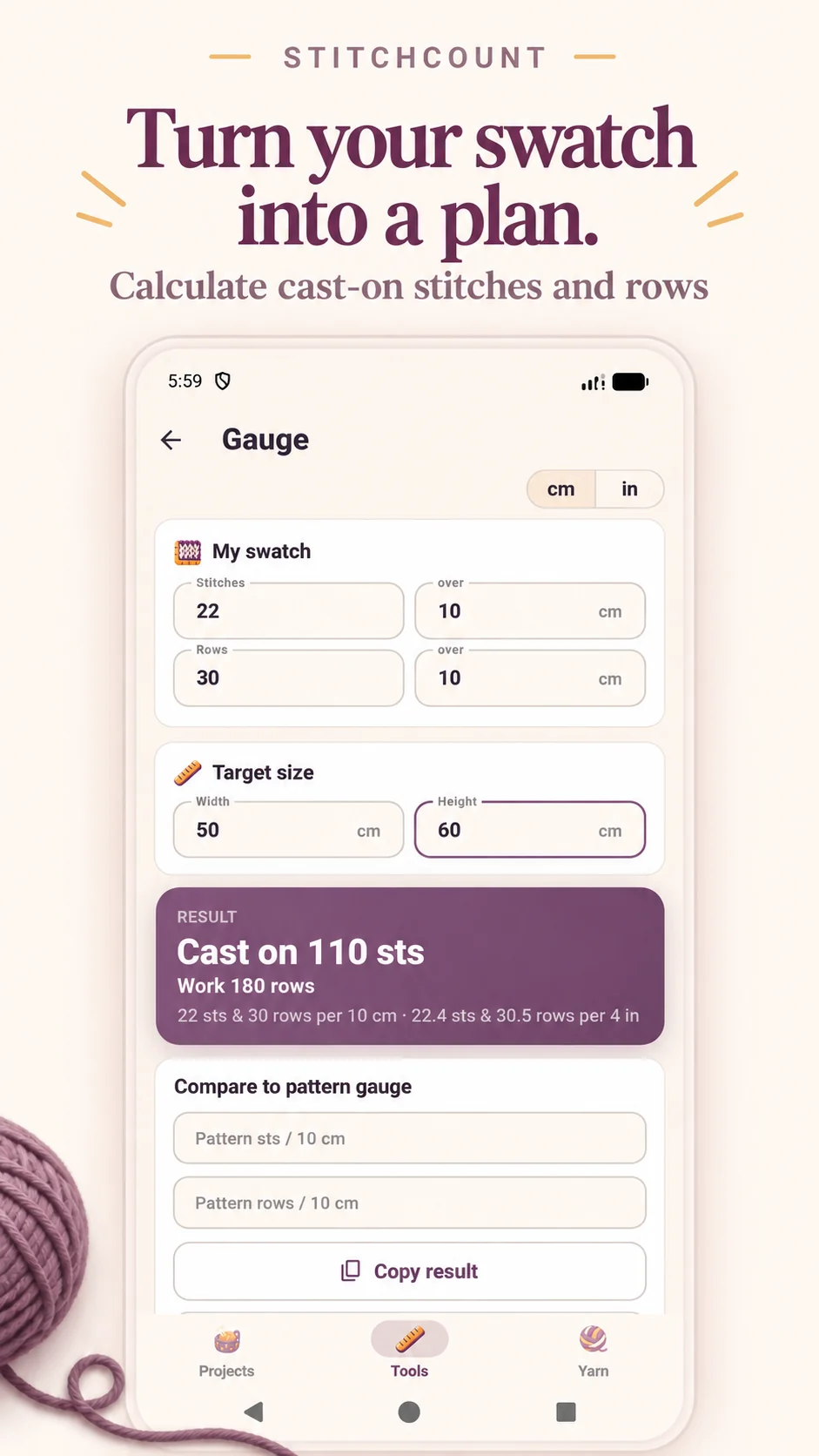
The knitting gauge calculator uses your swatch and target dimensions to estimate stitch and row counts. Check your cast-on plan before starting the full piece.
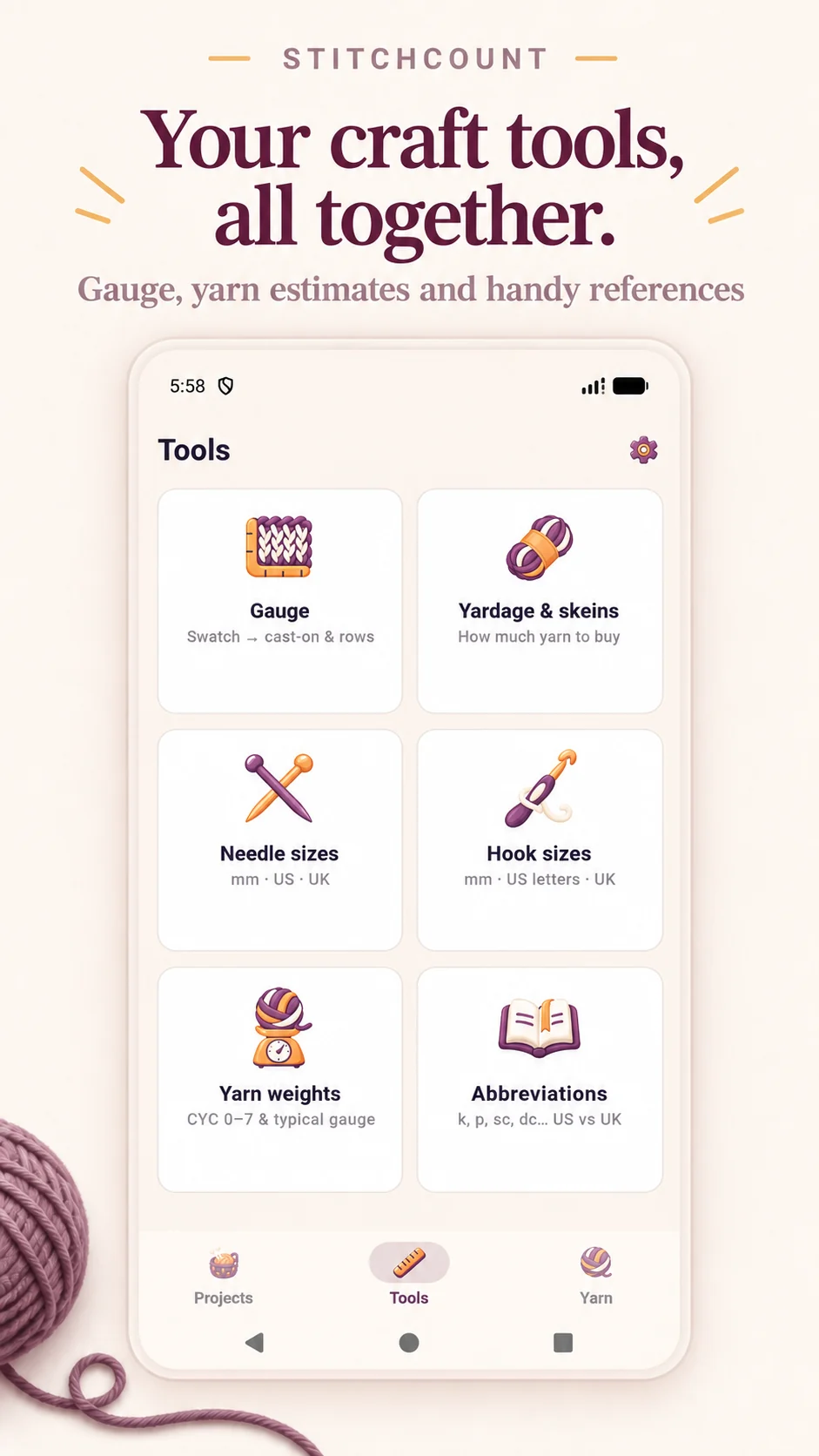
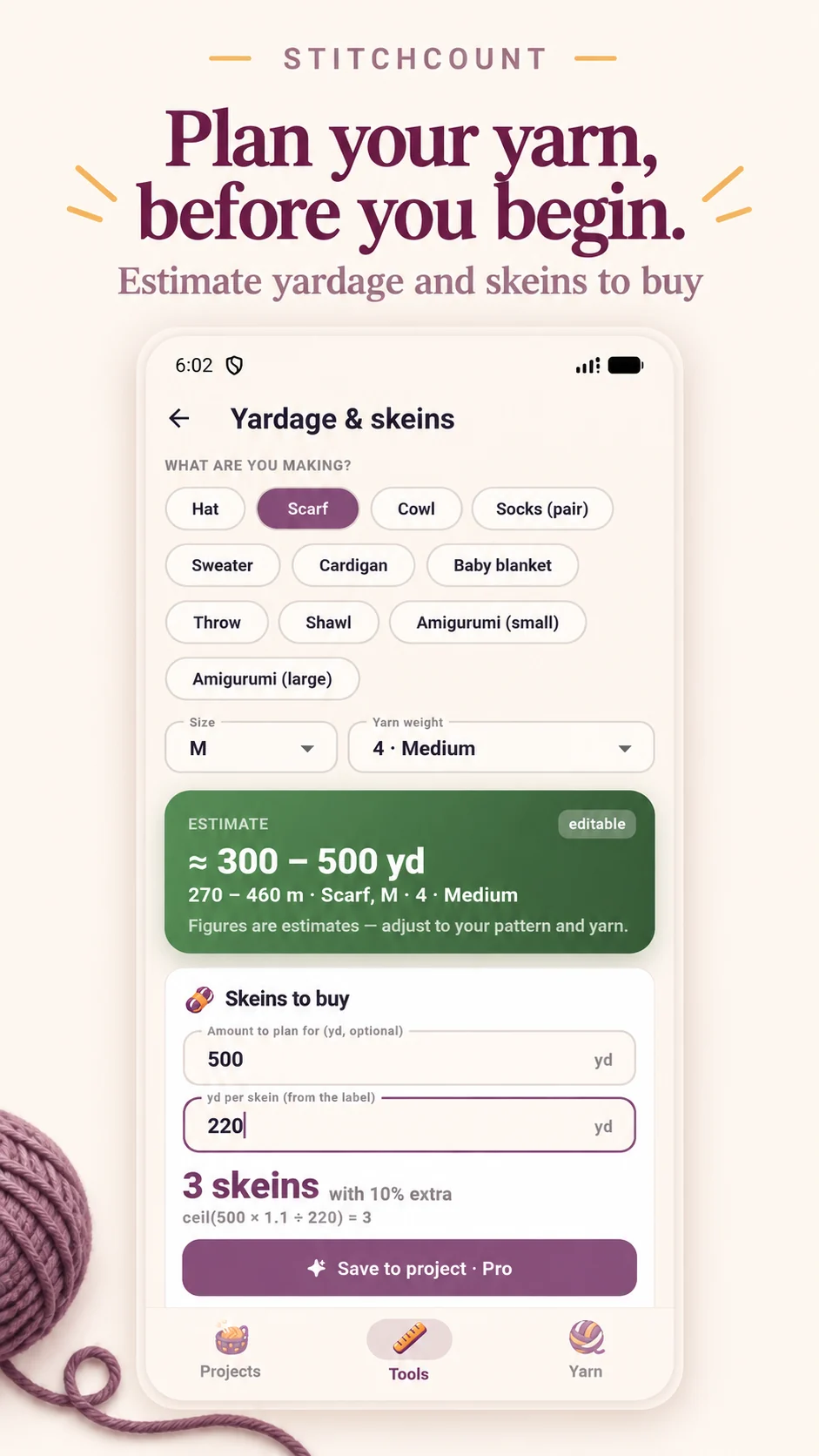
The yarn yardage calculator helps estimate length and skeins in meters or yards. Needle and crochet hook size references are close by, too.
A closer look
Explore StitchCount's counters, project notes and planning tools.
Room to begin. Room to grow.
The free app contains advertising.
An optional one-time purchase. A separate Remove Ads purchase is also available in the app.
Good to know
Yes. Count rows, stitches or rounds, follow repeating sections, and keep separate project notes for either craft.
Core counting, project notes and craft tools work offline. Advertising, consent services and in-app purchases through Google Play or the App Store use an internet connection.
StitchCount is available on the App Store for iPhone and iPad, with the same counters, project notes, pattern PDFs, yarn stash and craft tools. Volume-key counting and the home screen widget are available on Android only.
Bring your own pattern PDFs. StitchCount organizes the instructions you already have; it does not provide a pattern marketplace or generate patterns.
Use manual backup in Settings and keep the exported backup somewhere safe. There is no automatic AppMaven cloud sync. The StitchCount privacy policy explains storage, sharing and deletion.

StitchCount is available on Google Play for Android and on the App Store for iPhone and iPad. Explore the screens above, or contact AppMaven Studio with a question.