Board foot calculator
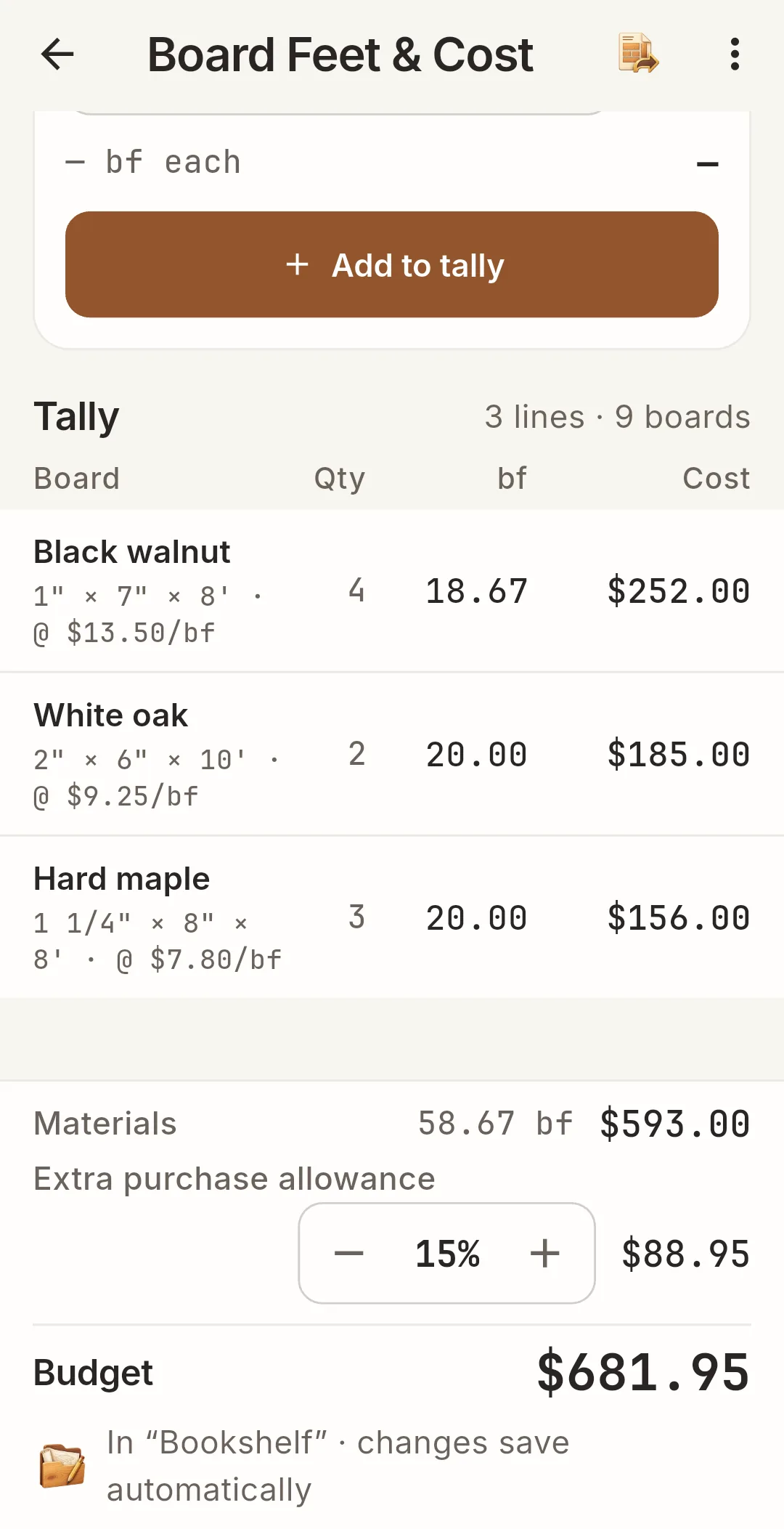
Enter nominal or measured sizes, quarter thicknesses like 4/4 and 8/4, and several boards in one tally. Price by the board foot, per piece or per cubic meter and see material cost, an extra purchase allowance and your budget.
 WoodShop Toolkit
A board foot calculator, feet-and-inch fraction calculator, spacing tool and cut list optimizer for woodworkers. Price your lumber, lay out every baluster and plan plywood cuts before you touch the saw.
Made for Android phones and tablets · Preparing for release
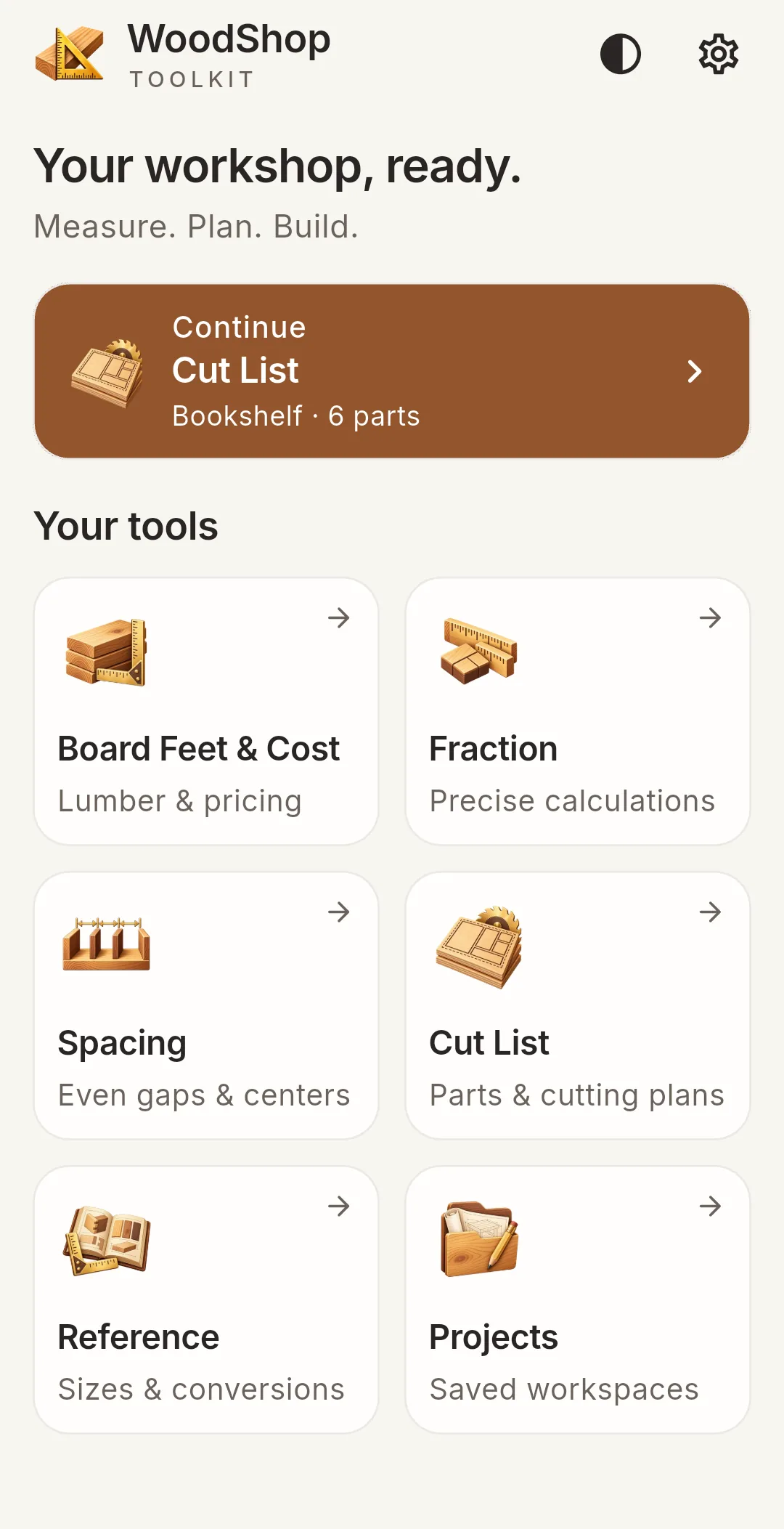
Six tools, one bench
From the lumber yard to the last cut, WoodShop Toolkit keeps the numbers in one place. Projects and calculations are stored on your phone — no account, no subscription.
Enter nominal or measured sizes, quarter thicknesses like 4/4 and 8/4, and several boards in one tally. Price by the board foot, per piece or per cubic meter and see material cost, an extra purchase allowance and your budget.
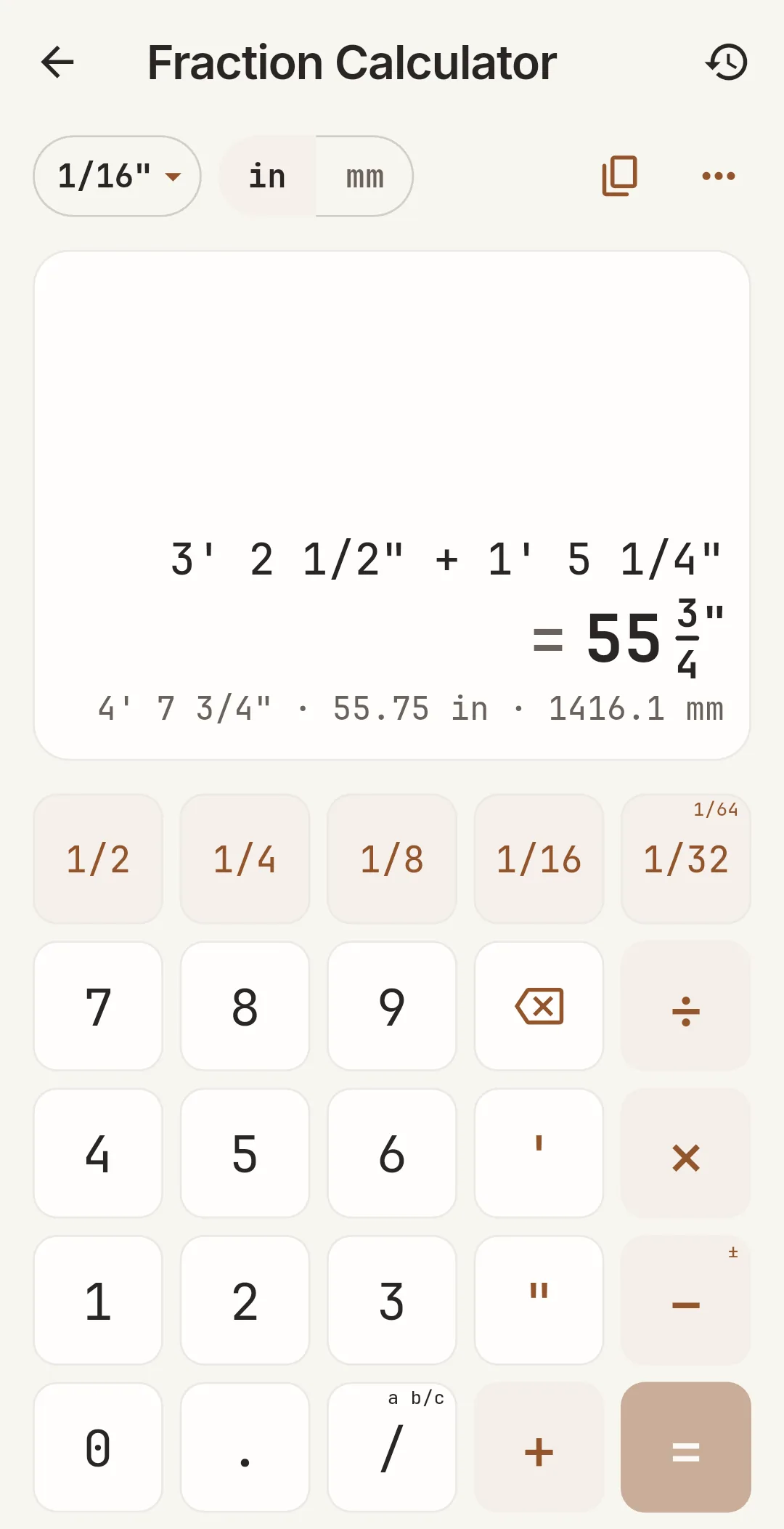
Add, subtract, multiply and divide measurements like 3′ 2½″ on a keypad built for fractions. Round to 1/16, 1/32 or 1/64 inch and see millimeters alongside.
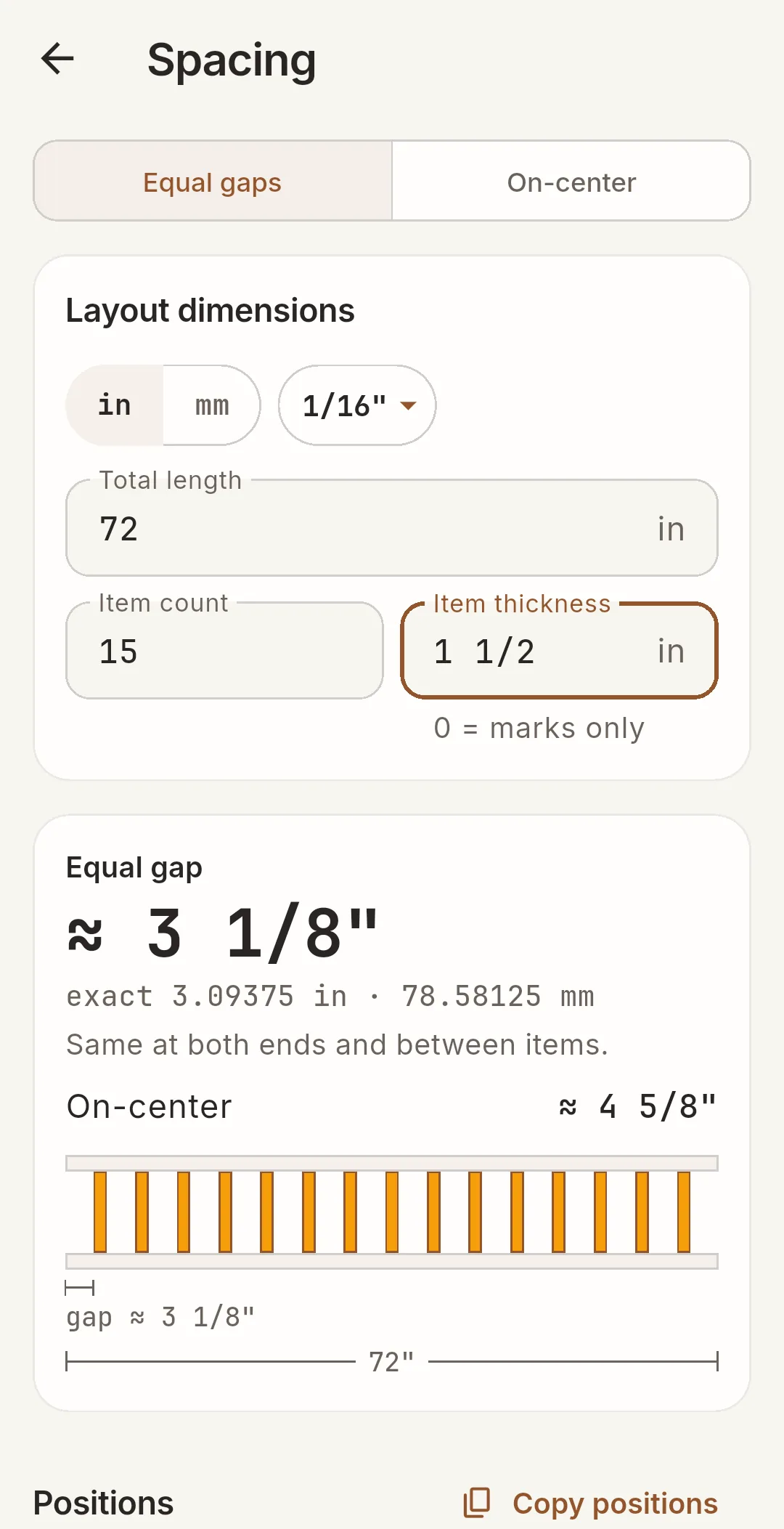
Lay out balusters, pickets, slats or shelves with equal gaps or on-center spacing. A diagram and a position table you can copy show where every piece goes.
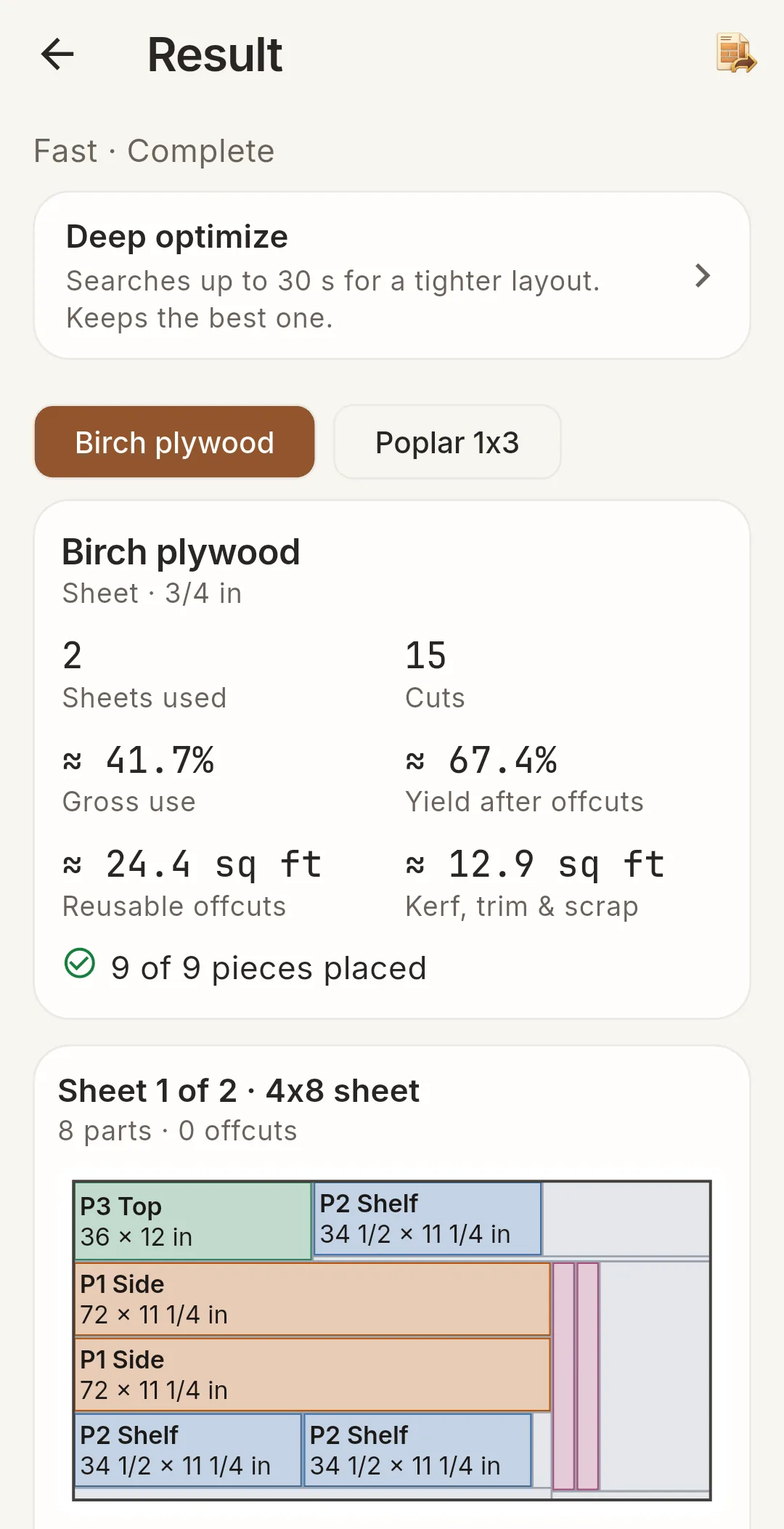
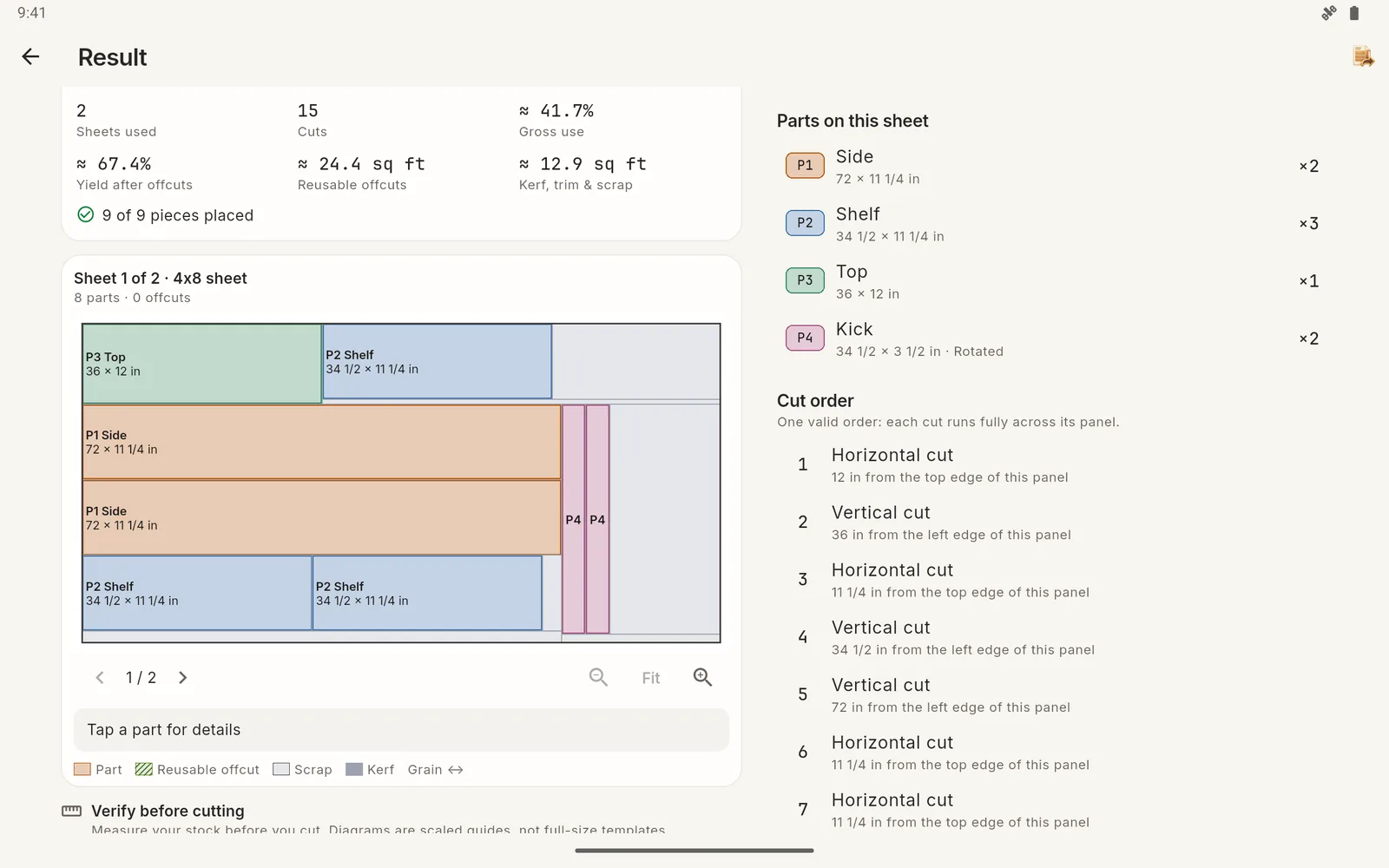
Plan plywood and sheet goods in 2D and boards in 1D with grain direction, saw kerf, edge trim and the stock you actually have. Use Fast search, or let Deep search try more layouts.
Look up nominal and actual lumber dimensions, hardwood quarter thicknesses, plywood and MDF sizes, and convert units.
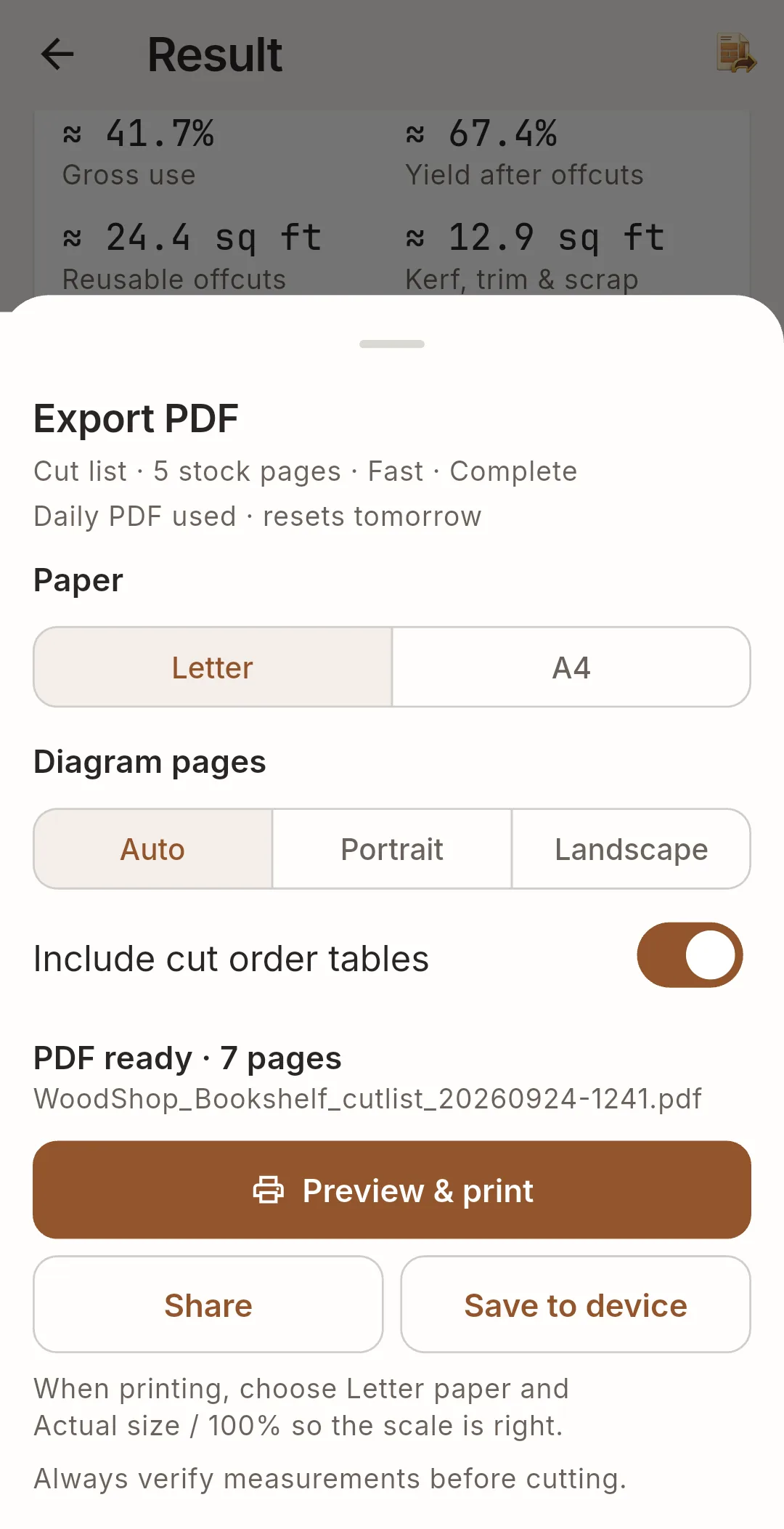
Save projects, import or paste CSV parts, share project files, make a local backup and print cut diagrams or tallies as Letter or A4 PDFs.
Before the first cut
Add your parts and the stock you plan to use. WoodShop Toolkit lays the parts out on each sheet or board, shows the cut order, lists parts that do not fit, marks reusable offcuts and builds a shopping list of the stock it used.
Change a size or the saw kerf and the layout is recalculated on your phone. When the plan looks right, export it as a PDF to take into the shop.
A closer look
Tap a screenshot to see it larger.
Free to start
The free app contains advertising.
Device processing limits still apply.
Good to know
Yes. Calculations, cut-list optimization and PDF creation run on your phone. Ads, the consent form and Google Play purchases use an internet connection.
Yes. Work in inches or millimeters, price lumber per cubic meter, and see metric values next to fraction results.
No. There is no account and no subscription. Your projects stay on your device; use Settings → Data to create a backup file before changing phones.
No. Diagrams are scaled guides printed with a calibration line. Always measure your actual stock and verify the plan before cutting.
Your projects are stored only on your device. The free version uses Google AdMob, which collects device identifiers and usage data for ads. The WoodShop Toolkit privacy policy explains what is collected and how to delete it.
WoodShop Toolkit is preparing for its Android release. Explore the screens above, or send AppMaven Studio a question.